Most freight teams know autofill saves time. Far fewer understand what it is actually doing inside the document and why that distinction matters when you are trusting it with your load data.
On this page
Autofill is not a shortcut. It is not a macro that copies and pastes faster than a human. It is a layered AI process that reads an incoming freight document the way a trained dispatcher would understanding structure, context, and meaning and then builds a complete, reviewable load record without any manual input. When your team clicks approve, the work is already done. All they are doing is confirming it.
Understanding how AI autofill TMS technology actually functions matters for one practical reason: it tells you how much to trust it, what its limits are, and how to build your operation around it effectively. Here is the full process, from the moment a document arrives to the moment a load goes live in your system.
Step One: The Document Enters the System
The process starts with document ingestion, the moment a freight file arrives in a format the system can work with. In most freight operations, that means one of three paths: an email attachment forwarded to a monitored inbox, a file uploaded directly through a carrier or shipper portal, or a PDF submitted through an integration channel connected to your TMS.
The critical point here is format flexibility. Rate confirmations from a large national broker look nothing like rate confirmations from a regional one. Load tenders from one shipper portal carry different layouts than those from another. Some documents are clean digital PDFs. Others are scanned paper documents converted to image files. A few arrive with handwritten notes in the margins.
Furthermore, no two brokers format their documents the same way. A system that requires a rigid, pre-defined template to function is not solving the problem, it is just adding a new one. FTM Autofill is designed to handle the actual variety of documents your operation receives, not an idealized version of them.

Step Two: The AI Reads, Not Just Scans the Document
This is where the distinction between old technology and modern AI becomes significant. Traditional OCR optical character recognition, converts the pixels in a document image into a string of text characters. It reads what is there. It does not understand what it means.
An AI document intelligence system goes further. It does not just see the characters. It understands their context, their position on the page, their relationship to surrounding fields, and their meaning within the domain of freight logistics. It recognizes that “Consignee,” “Ship To,” “Delivery Location,” and “Final Destination” all refer to the same piece of information, even though they appear as different labels across different broker documents.
However, this distinction is not cosmetic. It is what allows the system to extract the right data from documents it has never seen before, in layouts it was not explicitly trained on, with field labels it has never encountered in exactly that form. The AI is not pattern-matching against a library of templates. It is reading and reasoning, which is precisely what a skilled dispatcher does when they open a new broker’s rate confirmation for the first time.
How AI Autofill TMS Identifies and Labels Every Field
Once the AI has read the document, it moves into the extraction and labeling phase. This is where AI autofill TMS technology applies what is known as Named Entity Recognition, a natural language processing technique that identifies pieces of text and classifies them by type. In the freight context, those types include: shipper name, shipper address, consignee name and address, origin and destination locations, pickup and delivery dates, weight, commodity, equipment type, agreed rate, accessorial charges, and reference numbers.
The system does not treat the document as a flat string of text. It maps the spatial layout of the page, understanding that a ZIP code to the right of a city name belongs to the same address field, that a number preceded by a dollar sign in a rate section is a line-haul rate rather than a weight, and that a date appearing near a pickup location is an appointment time rather than an invoice date.
Consequently, every extracted value carries a confidence score, a measure of how certain the AI is about its interpretation. High-confidence extractions populate the load record automatically. Low-confidence extractions, a partially obscured field, an ambiguous abbreviation, an unusual format, are flagged and surfaced for dispatcher review before the record is committed. The system does not guess silently. It surfaces uncertainty transparently, so a human can resolve it in seconds.
The Six-Stage Autofill Process at a Glance
Every document that enters FTM Autofill moves through the same six stages, from arrival to approved load record:
| Stage | What Happens | What the AI Does |
| 1. Ingestion | Document arrives via email, portal, or upload | Detects document type and format automatically |
| 2. Reading | AI parses text, layout, and structure of the file | Understands context not just characters on a page |
| 3. Extraction | Key freight fields are identified across the document | Labels each field: shipper, weight, rate, reference, etc. |
| 4. Scoring | Confidence level is assessed for each extracted value | Low-confidence fields are flagged for human review |
| 5. Load Build | TMS load record is pre-populated with extracted data | All fields placed into correct TMS fields automatically |
| 6. Review | Dispatcher sees document + extracted data side by side | One-click approval commits the load record to the system |
Step Three: The Load Record Is Built and Reviewed
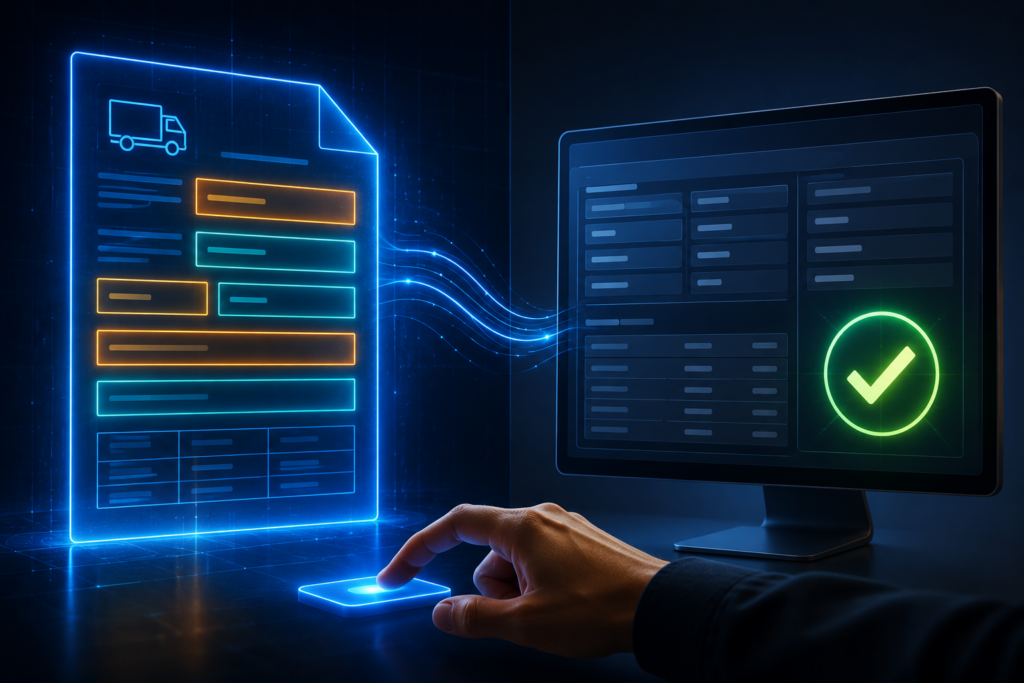
By the time the AI has completed extraction and scoring, a complete load record exists in draft form inside your TMS. Every field the system identified with high confidence is pre-populated. Every field that fell below the confidence threshold is marked for review and presented alongside the source document so your dispatcher can compare the extracted value against the original text directly.
The review interface is intentionally simple. Your dispatcher sees the source document on one side and the extracted load data on the other. If everything looks correct, which it will be, in the overwhelming majority of cases, they approve the record with a single click. If a field needs correction, they update it in place and approve. The entire review process, for a correctly extracted load, takes under 30 seconds.
Nevertheless, the human review step is not a formality. It is a design choice. Load data errors carry real operational cost, a wrong weight can create compliance exposure, a mismatched reference number can delay invoice payment, an incorrect consignee can reroute a shipment. The review step ensures that AI speed and human accuracy operate together, not in competition. Your dispatcher is not being replaced. They are being given better-prepared work.
What Makes AI Autofill TMS Smarter Than Basic OCR
Basic OCR converts a document into text. AI autofill TMS converts a document into structured, reviewable, TMS-ready load data. The difference between those two outcomes is the difference between a transcription tool and an operational tool.
Additionally, AI-powered autofill improves over time. When a dispatcher corrects an extracted field, because a particular broker uses an unusual format that the system misread, that correction becomes training signal. The system learns from it. The next document from that broker, or from a broker with a similar format, is handled more accurately. The more documents that flow through the system, the more precise its extractions become. A basic OCR tool does not learn. It reads the same way on document 10,000 as it did on document one.
According to IBM’s research on Intelligent Document Processing, AI-powered IDP systems achieve significantly higher accuracy than traditional OCR approaches by combining computer vision, natural language processing, and machine learning, making them capable of handling the real-world variability of unstructured business documents that fixed-template OCR systems consistently fail on.
Meanwhile, FTM Autofill is not a standalone tool bolted onto your TMS as an afterthought. It is embedded within the load creation workflow, meaning the extracted data flows directly into the correct TMS fields, in the correct format, without any intermediate export, import, or copy-paste step between the reading and the record.
From Document to Load Record Without Touching a Keyboard
The process described above, document ingestion, AI reading, field extraction and labeling, confidence scoring, load record pre-population, and dispatcher review, happens in under 30 seconds. It runs the same way for every document, every carrier, every broker, every load, regardless of format, layout, or volume.
That consistency is the deeper value. Manual entry is not just slow, it varies. It varies by dispatcher, by load volume, by time of day, by how much coffee was involved. AI autofill does not vary. It applies the same reading intelligence to the first document of the day and the four-hundredth, with the same accuracy and the same structure.
Therefore, the question is not whether AI autofill produces better load records than manual entry. It does, reliably, and the data confirms it. The real question is how many loads your team is going to transcribe by hand before that fact becomes the reason your operation finally acts on it.
Book a free demo and watch the AI read a rate confirmation, extract every field, and build a load record, live, in under 30 seconds.
